
SVG to PES Converter
Convert an SVG into a PES file for Brother and Babylock machines, with a preview of the stitches.
Free · runs in your browser · nothing is uploaded
Recent
Your last 10 settings, saved only in this browser. Nothing is uploaded.
How to use the SVG to PES converter
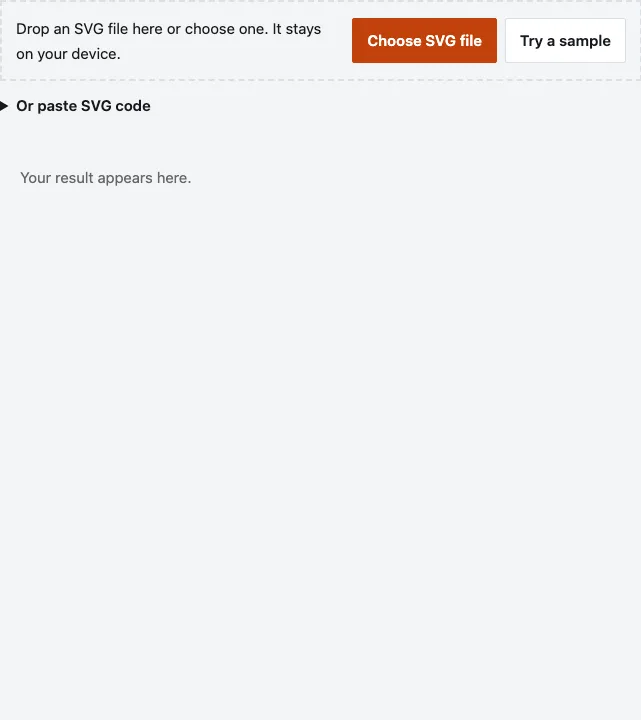
- Press Choose SVG file, or drop an SVG on the page. You can instead use Or paste SVG code. Try a sample shows the result without a file.
- Set Width (5 to 600 mm, default 80). The whole SVG page (its viewBox) is scaled to that width with its proportions kept, so artwork with empty space around it stitches out narrower. Size under the preview is the real stitched size.
- Set Stitch density (row spacing) (0.25 to 0.8 mm, default 0.4). Smaller values pack the rows closer.
- Set Stitch length (1 to 6 mm, default 3).
- Pick an Outline: Running stitch (default), Satin column or None.
- Keep Underlay ticked, which is the default, or untick it to skip the base stitches.
- Leave File format on PES (Brother), or choose DST (Tajima), EXP (Melco) or JEF (Janome).
- Read the line under the preview: Size, Colors, Stitches, Jumps and Thread (est.). The note beneath lists which hoops the design fits.
- Press Download PES. The button name follows the format you chose.
Change one setting at a time and watch the stitch count. That shows how density and stitch length affect the result before you download.
Keep your SVG, since the PES file cannot be turned back into the drawing. Before you sew, open the file in your embroidery software and check the thread colours and the stitch count.
Can SVG be converted to PES?
Yes, but not as a copy of the drawing. The shapes in the SVG are read, scaled to your width and turned into stitch paths, then saved as a Brother PES version 1 file. Thin lines and very small details can look different on fabric than on screen, so check the preview.
Open paths and shapes without fill are sewn as running stitch. Text, images, masks and filters in the SVG are not converted, so turn text into outlines first.
What is inside the PES file?
The tool writes the old, simple layout: version 1. The file was compared byte for byte with pyembroidery on a test design with whole-number coordinates and matched.
| Part | Content |
|---|---|
| Header | #PES0001 |
| Design block | The stitch segments of the design |
| PEC block | A 512-byte header with the colour codes, then the stitch data |
| Thumbnails | A 48 x 38 picture of the whole design and one for each colour |
| Jump flags | 0x10 for a jump, 0x20 when a trim comes first |
Why are the colours on my machine not the colours in my SVG?
Each colour is matched to the nearest of the 64 Brother thread colours and saved as a code from that list. A blue in the SVG can become a slightly different blue thread. Two close colours still get separate codes, so they stay separate colour stops.
If a shade matters, choose the thread you actually want at the machine or in your embroidery software.
Will this fit my hoop?
The page compares the stitched size of the design with four hoop fields printed in Brother’s manual, in either orientation, and lists the ones that fit.
| Hoop field | Stitched design must be within |
|---|---|
| 100 x 100 mm | 100 x 100 mm |
| 130 x 180 mm | 130 x 180 mm |
| 200 x 200 mm | 200 x 200 mm |
| 200 x 360 mm | 200 x 360 mm |
No margin is subtracted, so leave room around the design. If it is close to the edge, lower Width.
What does this converter not do?
It adds no lock stitches at the start or end of the design. It was checked by reading the files with pyembroidery 1.5.1, not by sewing on a Brother machine. On a test design with the default settings it reported 3,385 stitches, 2 colours, 60.3 x 40.3 mm and 12.1 m of thread. Your SVG will give other numbers.
Answers to common questions
Is my SVG kept private?
Yes. The conversion runs in your browser and the page makes no upload request.
Can I convert several SVG files?
One at a time. Each SVG gives its own PES download.
Is SVG to PES conversion lossless?
No. A machine needs stitches rather than a drawing, so the shapes are rebuilt as stitches, so the outline changes with density, stitch length and outline settings.
Which PES version does it write?
Version 1, with a #PES0001 header followed by the PEC block. Check that your software accepts it.
What opens a PES file?
Embroidery software and machines that read Brother PES. The tool cannot test your particular program, so open the file there before you sew.
Which format do non-Brother machines use?
Change File format to DST (Tajima), EXP (Melco) or JEF (Janome). Check your manual for the one your machine accepts.
Why are some shapes missing from my file?
Self-intersecting shapes and shapes under 1 square mm are left out, and text, images and filters are not converted. The page reports how many small shapes were skipped.
Has this been tested on a Brother machine?
No. It was checked against pyembroidery in both directions. Test-stitch on scrap fabric first.
Related tools
- SVG to DST Converter: use it when your machine reads Tajima DST files.
- Image to Embroidery File: use it when your artwork is a picture rather than an SVG.
- Embroidery File Converter: use it to change an existing stitch file from one format to another.
- Embroidery Tools: use it to see every embroidery page here.
- SVG Simplifier: use it to cut nodes from a detailed SVG before digitizing.
- SVG Optimizer: use it to strip extras from an SVG file first.
- Reduce Image Colors: use it to cut a picture to a few flat colours first.
- Convert Image to Cut File: use it when you need a cutting file rather than stitches.